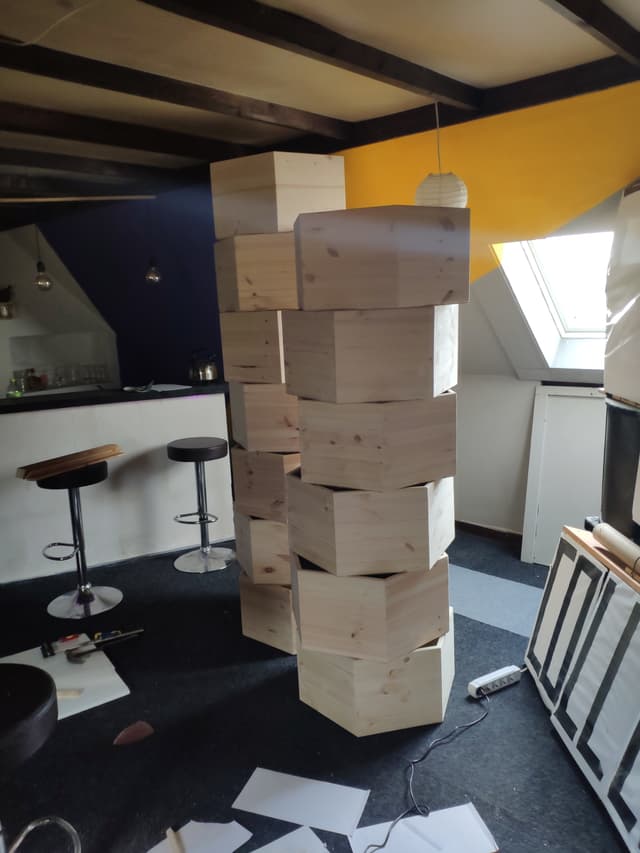
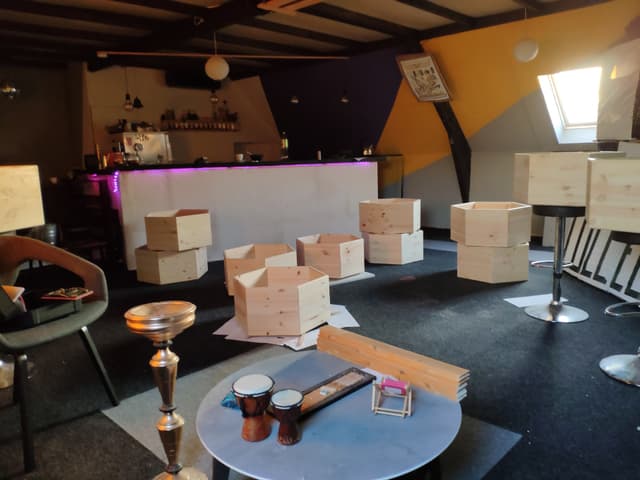
Cabinet
Take a look at my other DIY projects as well.
This is a first concept of this post, updates are pending
I started off with this basic tutorial from KamuiCosplay.
Hexagons
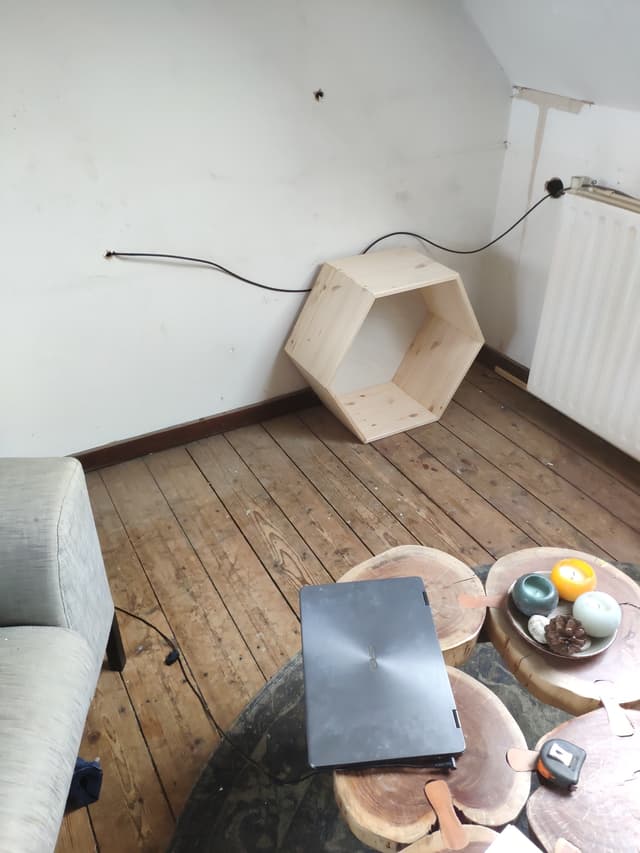
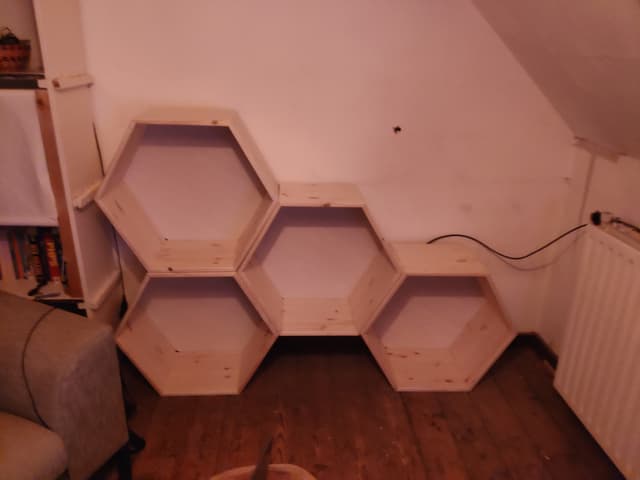
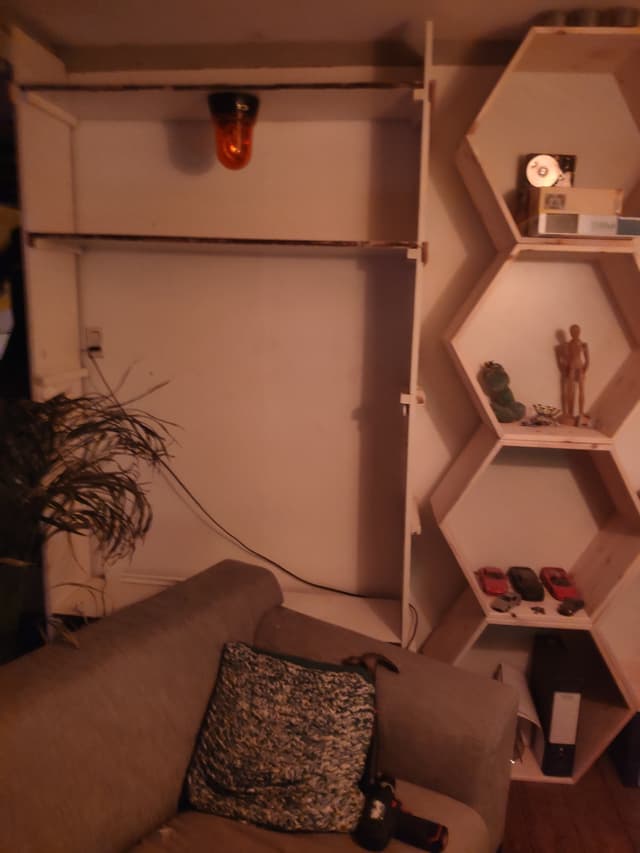
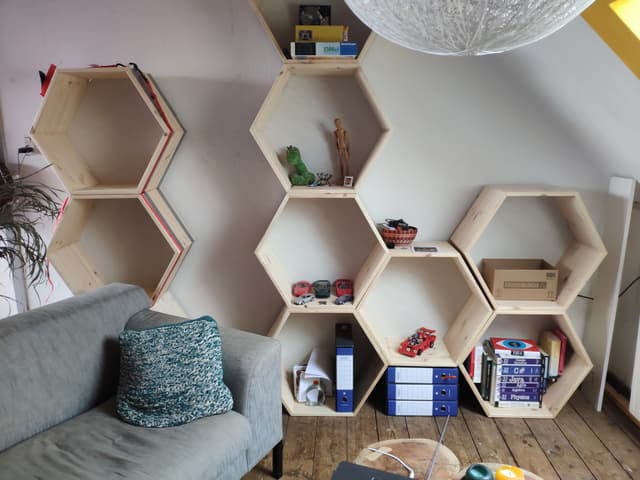
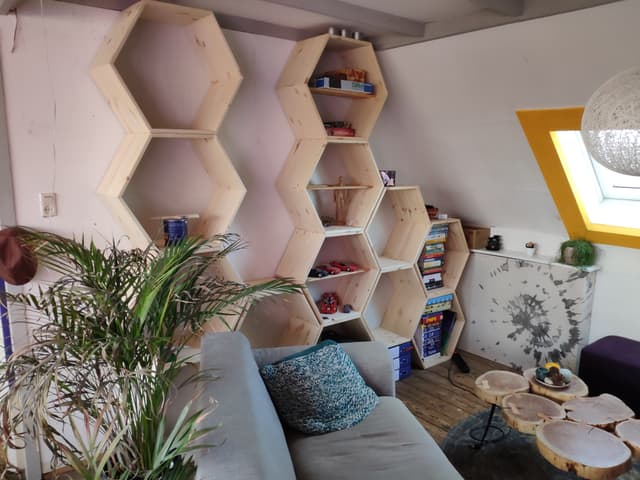
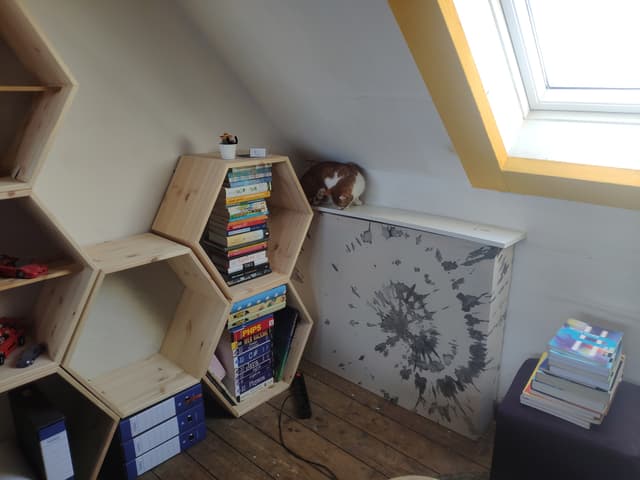
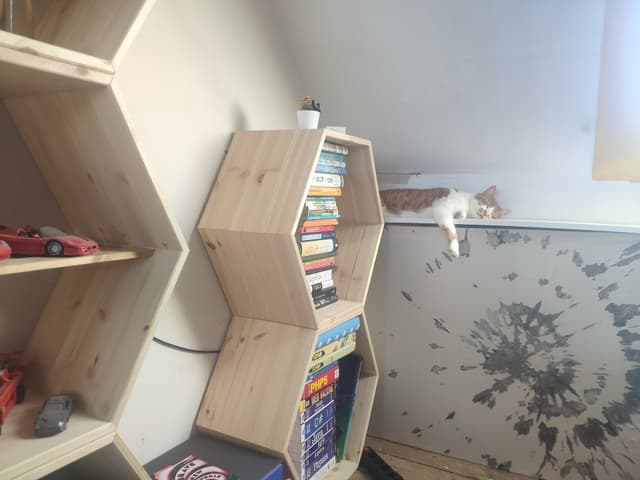
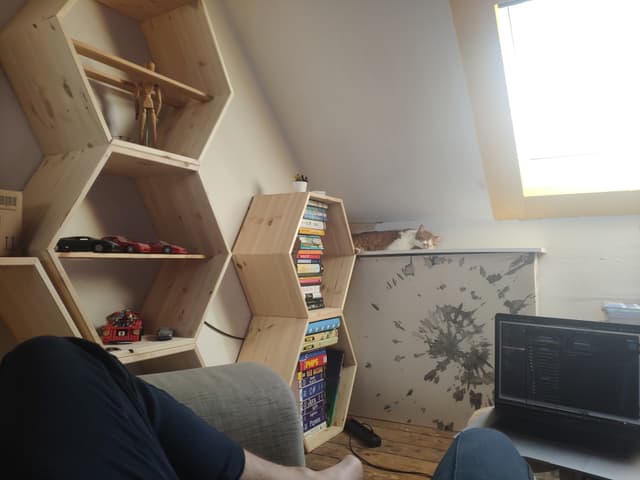
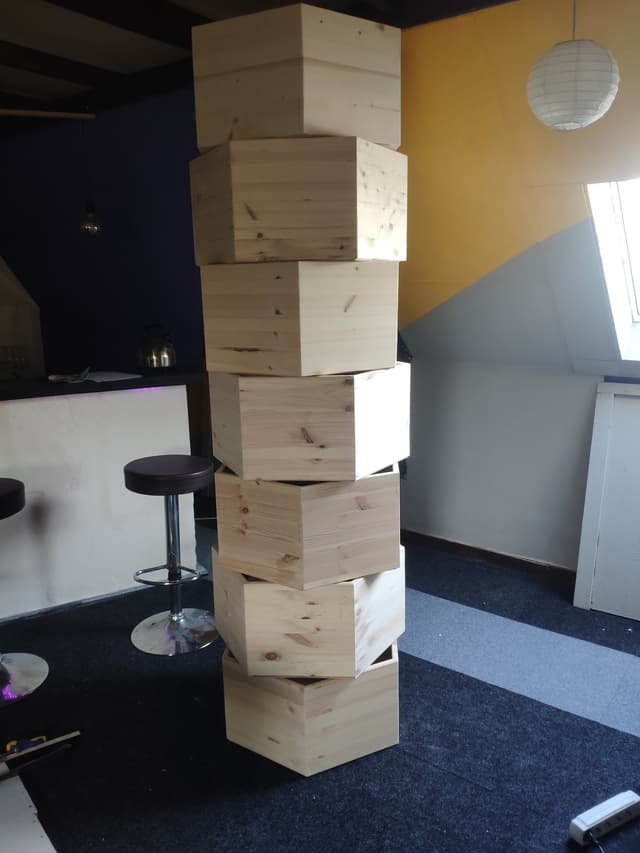
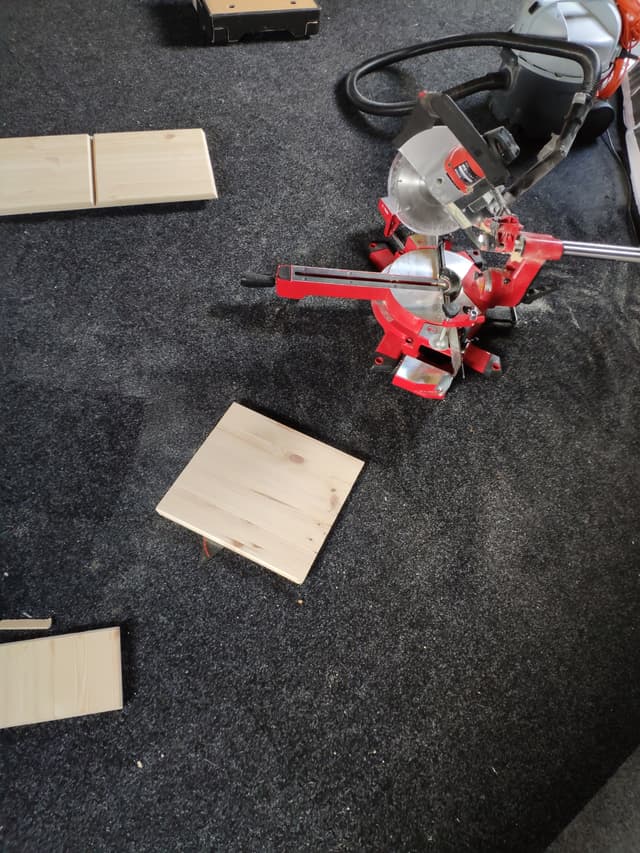
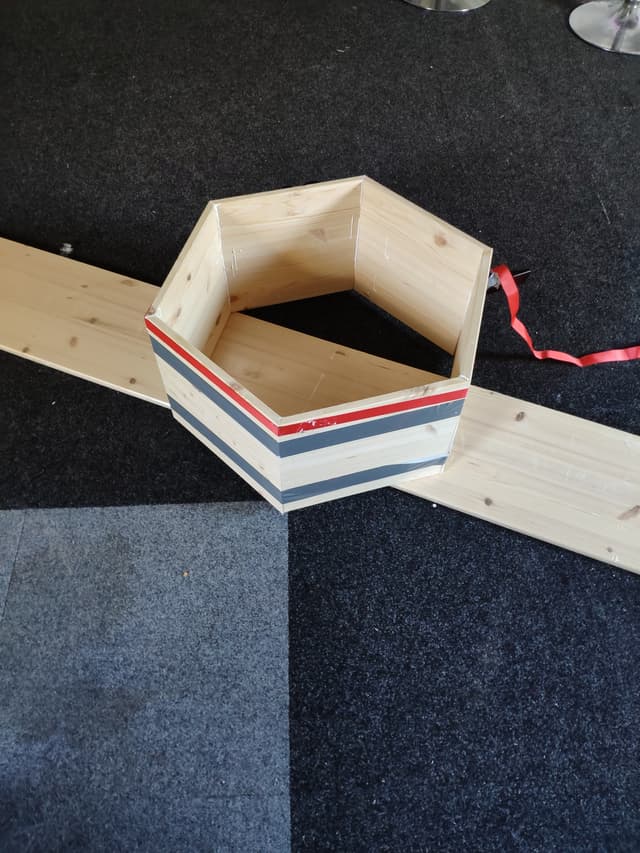
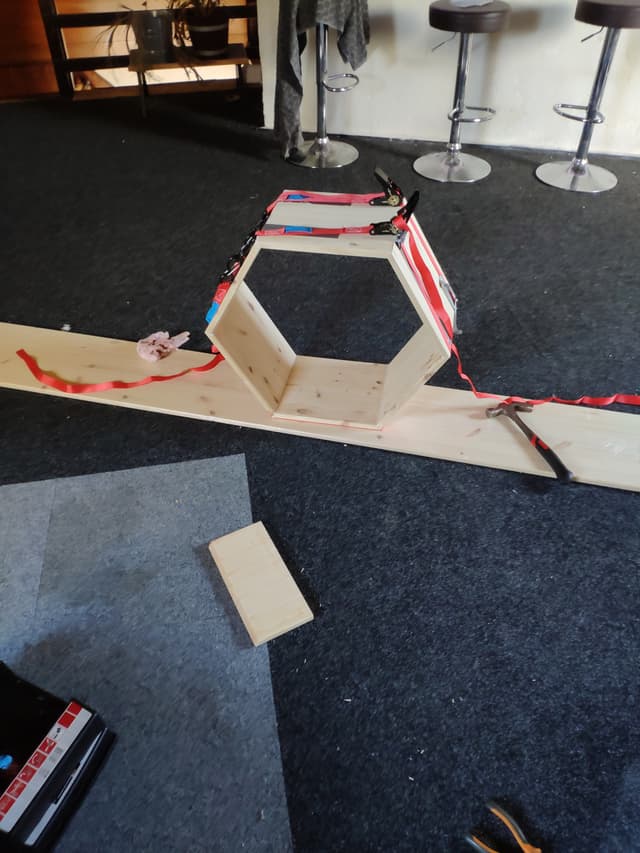
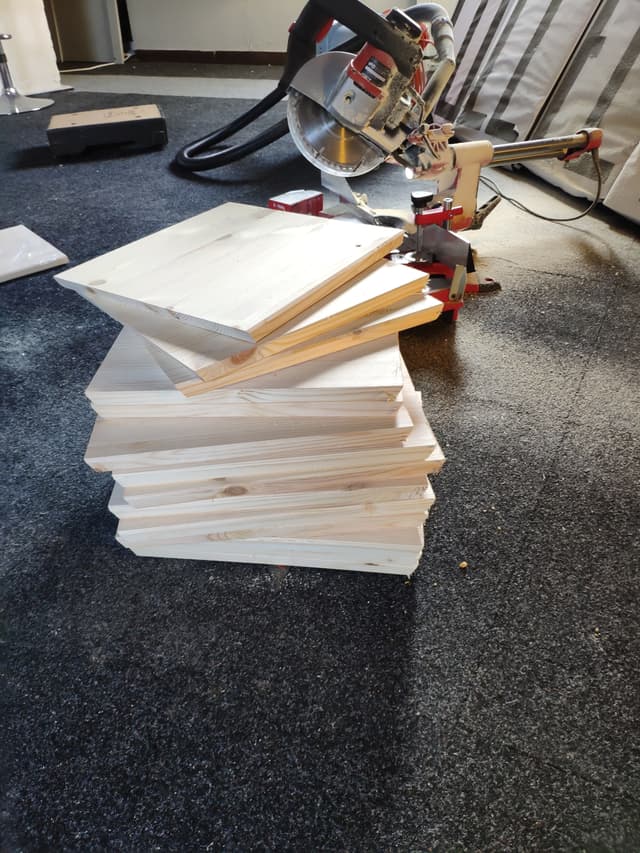
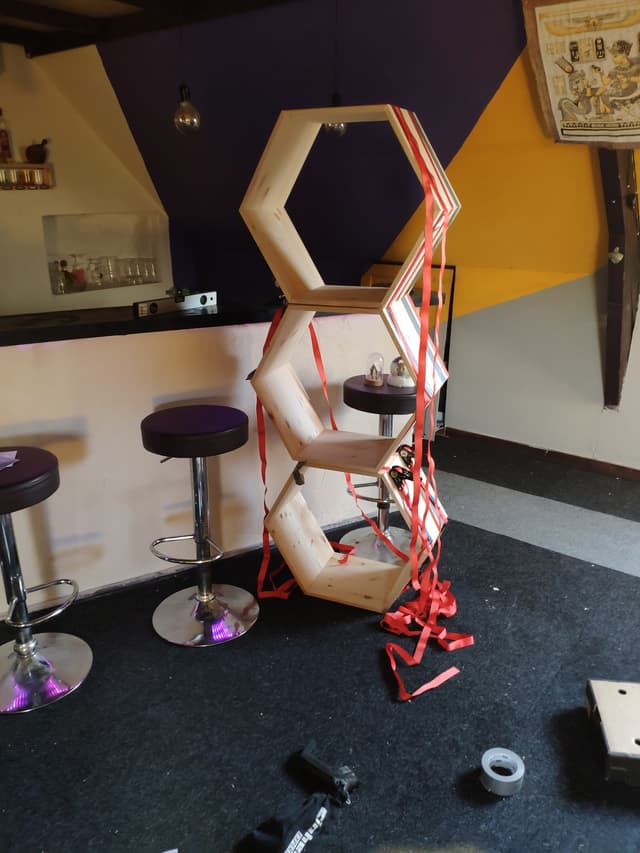
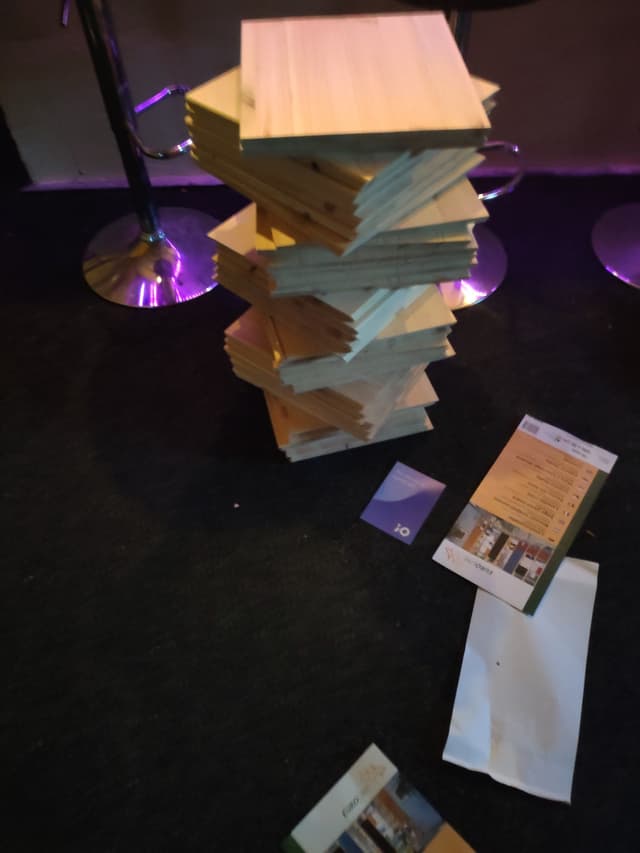
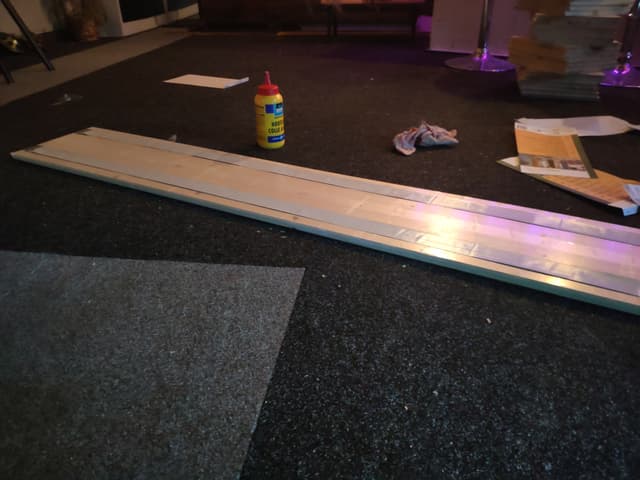
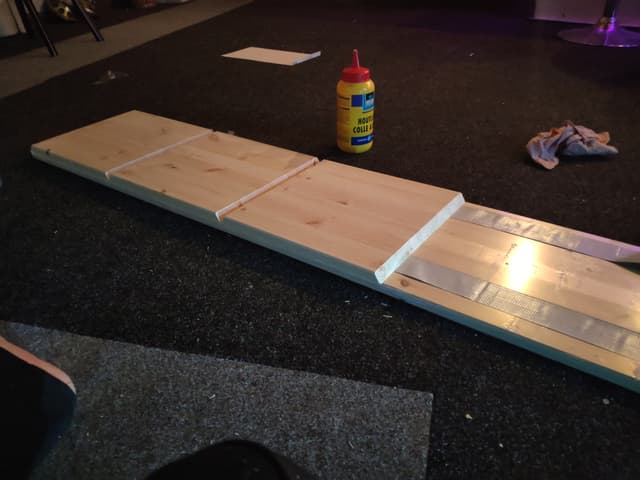
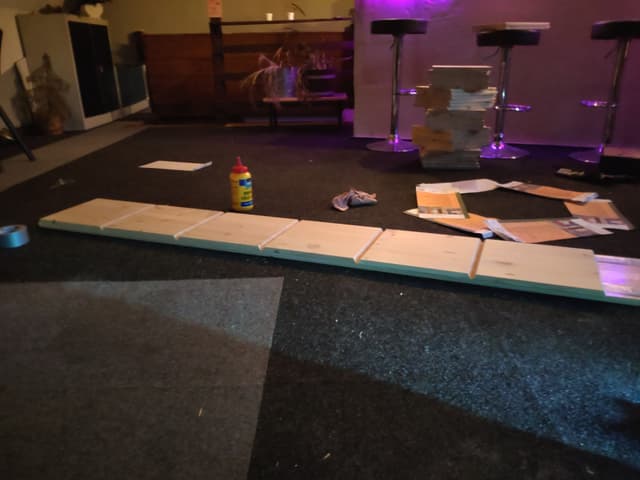
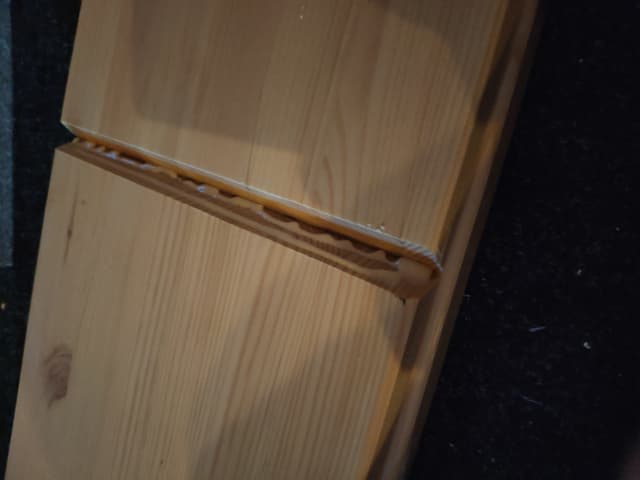
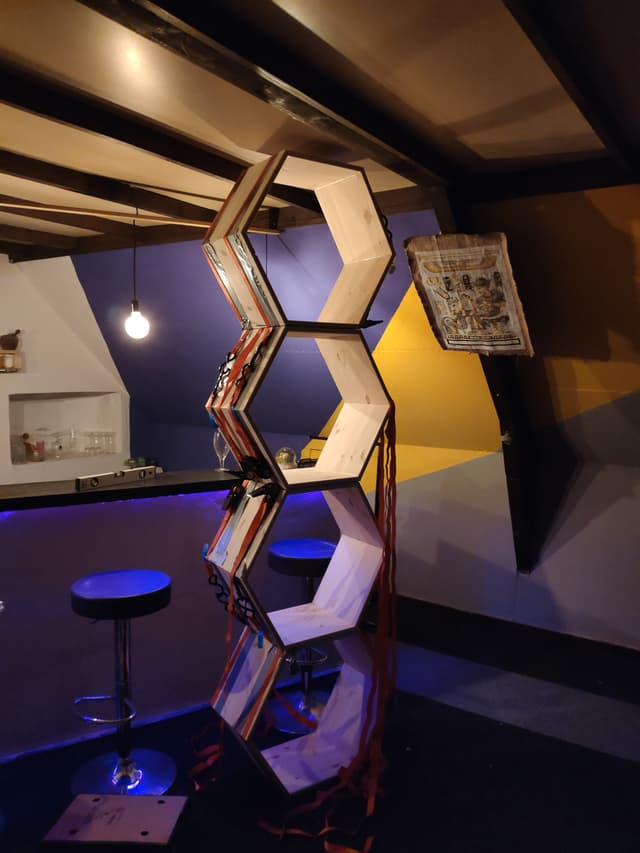
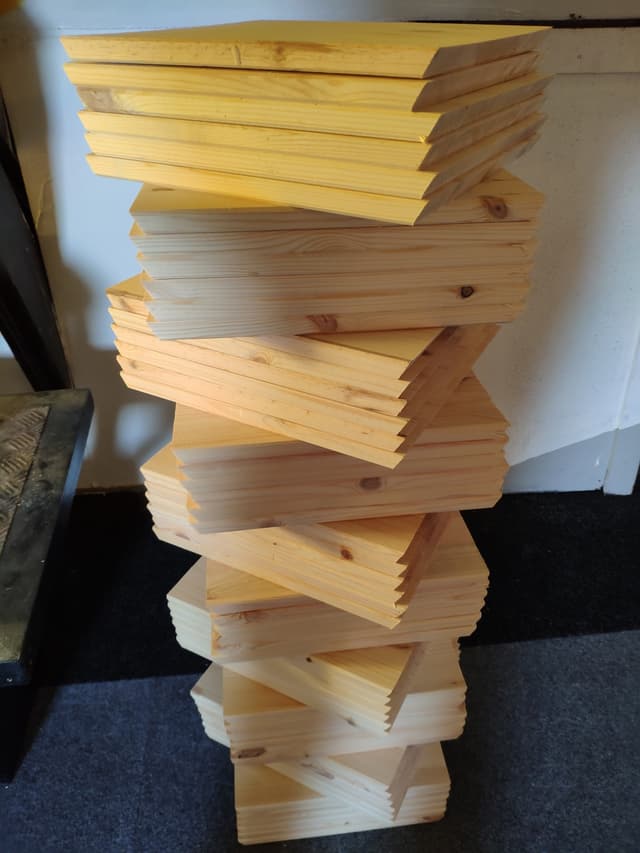
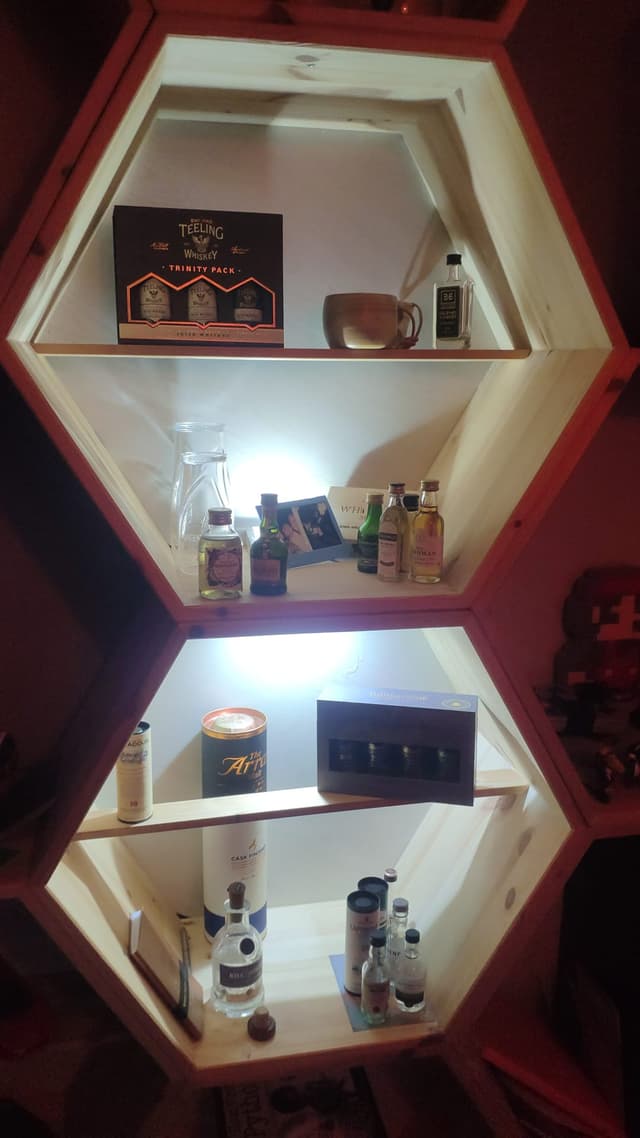
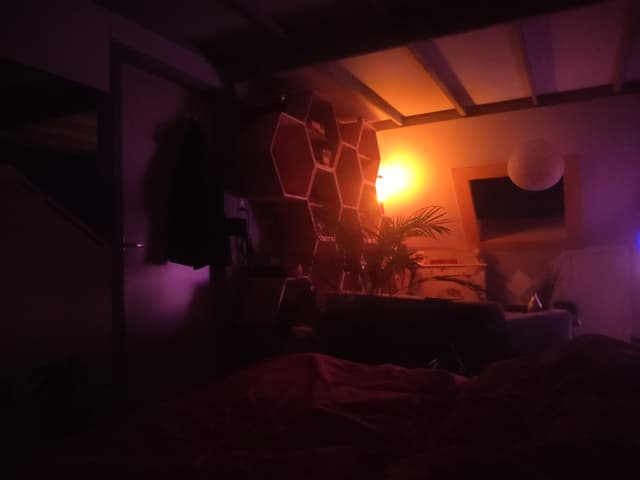
This cabinet consists of 16 hexagons with sides of 320mm and a depth of 320mm, made of 18mm plywood.
Arduino
Getting started
- Download the IDE from the Arduino website and install.
- Go to Sketch -> Include Library -> Manage Librariesand search for 'neopixel'.
- Install Adafruit NeoPixel library.
- Go to Tools -> Board and select 'Arduino Uno'.
- Go to Tools -> Programmer and select 'Arduino as ISP'.
- The port probably is already selected.
I have Arduino 1.8.19 installed, above terms may vary depending on your version.
My program is based on the strandtest included in this library: Open File -> Examples -> Adafruit NeoPixel -> strandtest The original source is also included in this repository.
Below are some comments that were included in that file:
Neopixel best practices
- Add 1000 uF CAPACITOR between the + and - connections of the NeoPixel strip.
- Minimize wiring length between microcontroller board and first pixel.
- The DATA-IN of the NeoPixel strip should pass through a 300-500 Ω RESISTOR.
- Avoid connecting NeoPixels on a live circuit. If you must, always connect GROUND (-) first, then +, then data.
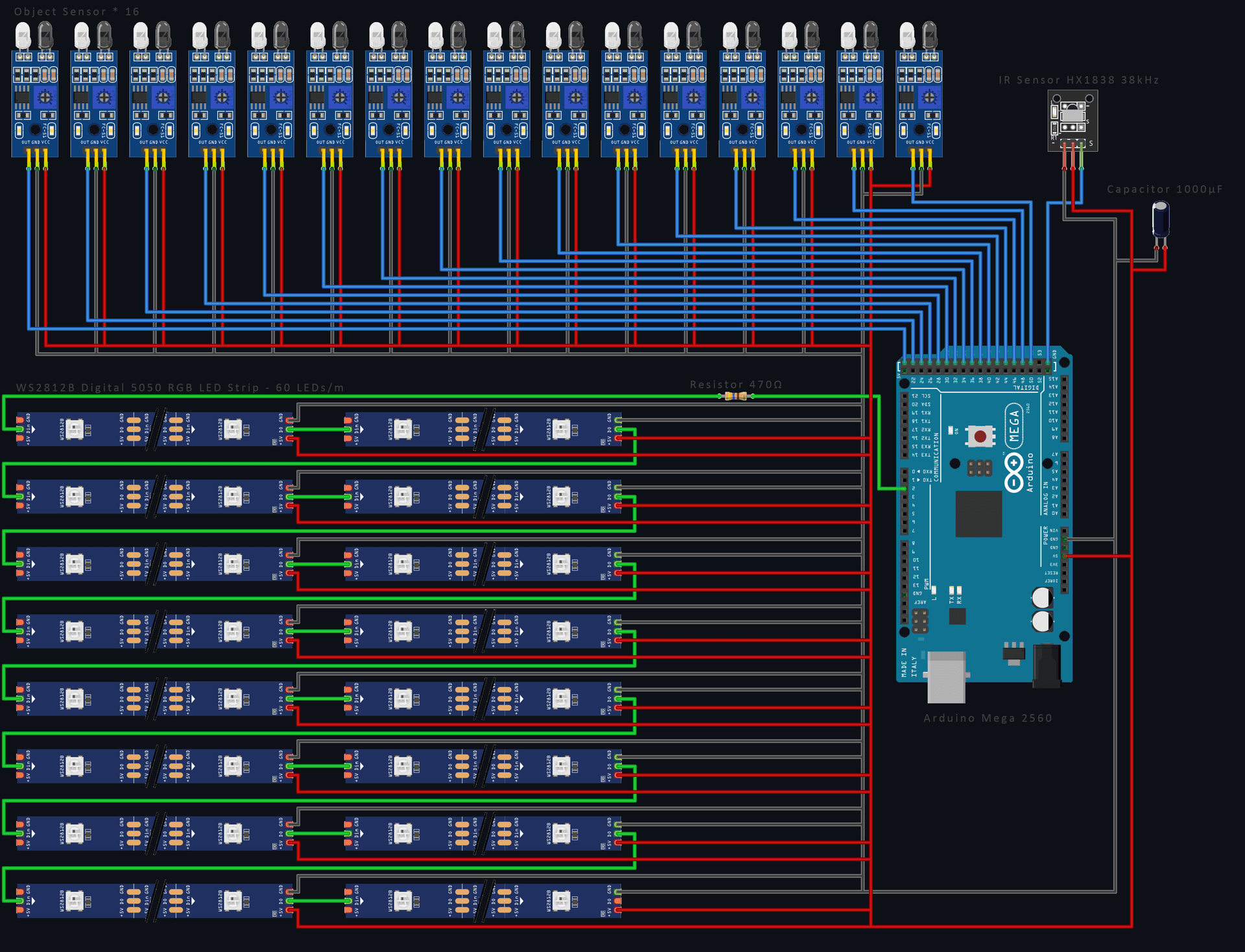
A Dutch manual to calculate the resistance based on the color coding.
For a polarized electrolytic capacitor as seen here, the negative (–) lead is usually indicated by a stripe and/or may be shorter than the + lead. Draw schemes like this withFritzing.
Another useful source is the Adafruit NeoPixel Überguide.
How many NeoPixels are attached to the Arduino?
LED_COUNT is defined by 16 hexagons times 108 LEDs, considering 60 LEDs/meter, that would mean a total of 1728 LEDs.
Declare our NeoPixel strip object
- Argument 1 = Number of pixels in NeoPixel strip
- Argument 2 = Arduino pin number (most are valid)
- Argument 3 = Pixel type flags, add together as needed: NEO_KHZ800 800 KHz bitstream (most NeoPixel products w/WS2812 LEDs)
Setup function runs once at startup
It is required to include strip.begin(); in this setup function. This can be used to turn all LEDs of initially and set a brightness. Other functions related to the strip can be found in the class reference.
Loop function runs repeatedly
In this function the animation functions can be called. The default ones included in the strandtest arecolorWipe(), theaterChase(), rainbow() andtheaterChaseRainbow(), you can find the documentation of these functions in the original strandtest.ino file. I added my own functions to it: FX_hexCircle(),FXcolorWipeMulti()
Remote
The light effects can be selected with a remote control, having a numpad and 4 arrows. However, I might be using the remote of my Dolby receiver, which has an unused numpad. Maybe I will be able to use the arrow buttons on that too. You may find some useful instructions in thisYoutube video.
The plan is to program each of those numbers with its own effect. Example:
- Each hexagon is turning on one by one
- Each hexagon starts circling around
- Everything is quite dim, but with a motion sensor a single hexagon can light up if I come close
- Equalizer
- Circle around 6 hexagons
- Light up certain hexagons (use arrows to pick which)
- All off, except when approached
- Ableton with Max4Live control
- TBD
- ...
Proximity sensors
Each hexagon contains a proximity sensor which can be used to light up a hexagon when something is grabbed from it. Because 16 of those sensors are needed, unfortunately an Arduino Uno is not sufficient, as it is impossible to connect that many things. That is why I included an Arduino Mega in the shopping list. This also gives me some extra memory capacity. The differences are visible in the table below:
The code I have so far
1#include <Adafruit_NeoPixel.h>
2#include <IRremote.hpp>
3
4#define LED_PIN           6
5#define RECV_PIN          10
6#define LED_COUNT         300
7#define HEXAGON_COUNT     20
8#define HEXAGON_LED_COUNT 108
9#define TIMEOUT           50
10
11#define C_PURPLE  strip.Color( 92,  94, 220)
12#define C_RED     strip.Color(255,   0,   0)
13#define C_YELLOW  strip.Color(255, 255,   0)
14#define C_GREEN   strip.Color(  0, 255,   0)
15#define C_CYAN    strip.Color(  0, 255, 255)
16#define C_BLUE    strip.Color(  0,   0, 255)
17#define C_MAGENTA strip.Color(255,   0, 255)
18
19// Stuff for remote
20int Program = 0;
21int maxProgram = 2;
22int Horizontal = 0;
23int Vertical = 0;
24int Brightness = 50;
25bool Active = false;
26
27// Declare our NeoPixel strip object:
28Adafruit_NeoPixel strip(LED_COUNT, LED_PIN, NEO_GRB + NEO_KHZ800);
29
30// Runs once at startup
31void setup() {
32    Serial.begin(9600);
33    Serial.println('Arduino is set up!');
34    IrReceiver.begin(RECV_PIN, true);
35
36    strip.begin();
37    show(); // Turn OFF all pixels
38    strip.setBrightness(50);
39}
40
41
42// Runs repeatedly
43void loop() {
44    if (IrReceiver.decode()) {
45        uint32_t myRawdata = IrReceiver.decodedIRData.decodedRawData;
46        // Serial.println(myRawdata, HEX);
47
48        RM_translate(myRawdata);
49        IrReceiver.resume();
50    }
51
52    FX_hexCircle(C_PURPLE,  TIMEOUT);
53    FX_hexCircle(C_RED,     TIMEOUT);
54    FX_hexCircle(C_YELLOW,  TIMEOUT);
55    FX_hexCircle(C_GREEN,   TIMEOUT);
56    FX_hexCircle(C_CYAN,    TIMEOUT);
57    FX_hexCircle(C_BLUE,    TIMEOUT);
58    FX_hexCircle(C_MAGENTA, TIMEOUT);
59
60    FX_colorWipeMulti(C_PURPLE,  10, TIMEOUT);
61    FX_colorWipeMulti(C_RED,     20, TIMEOUT);
62    FX_colorWipeMulti(C_YELLOW,  30, TIMEOUT);
63    FX_colorWipeMulti(C_GREEN,   40, TIMEOUT);
64    FX_colorWipeMulti(C_CYAN,    50, TIMEOUT);
65    FX_colorWipeMulti(C_BLUE,    60, TIMEOUT);
66    FX_colorWipeMulti(C_MAGENTA, 70, TIMEOUT);
67}
68
69void show() {
70    if (IrReceiver.isIdle()) {
71        strip.show();
72    }
73}
74
75void FX_hexCircle(uint32_t color, int wait) {
76    for (int j = 0; j < HEXAGON_LED_COUNT; j++) {
77        for (int i = 0; i < strip.numPixels(); i+=HEXAGON_LED_COUNT) {
78            strip.setPixelColor(i + j, color);
79            strip.setPixelColor(i + j -5, strip.Color(0, 0, 0));
80        }
81        show();
82        delay(wait);
83    }
84}
85
86void FX_colorWipe(uint32_t color, int wait) {
87    for (int i = 0; i < strip.numPixels(); i++) {
88        strip.setPixelColor(i, color);
89        show();
90        delay(wait);
91    }
92}
93
94void FX_colorWipeMulti(uint32_t color, int pixels, int wait) {
95    for (int i = 0; i < strip.numPixels(); i += pixels) {
96        for (int j = 0; j < pixels; j++) {
97            strip.setPixelColor(i + j, color);
98        }
99        show();
100        delay(wait);
101    }
102}
103
104void FX_rainbow(int wait) {
105    for (long firstPixelHue = 0; firstPixelHue < 5*65536; firstPixelHue += 256) {
106        strip.rainbow(firstPixelHue);
107        show();
108        delay(wait);
109    }
110}
111
112
113void RM_translate(uint32_t signal) {
114    // Pioneer Remote
115    // Stop signal: 66995CA3
116
117
118    switch(signal) {
119        case 0x5EA150AF:
120            Program = 1;
121            Serial.println("Each hexagon is turning on one by one");
122            Serial.println("- use < and > to control the color");
123            strip.clear();
124            Active = true;
125            break;
126
127        case 0x5DA250AF:
128            Program = 2;
129            Serial.println("Each hexagon starts circling around");
130            Serial.println("- use < and > to control the amount of lit LEDs");
131            Serial.println("- use UP and DOWN to control the speed");
132            strip.clear();
133            Active = true;
134            break;
135
136        case 0x5CA350AF:
137            Program = 3;
138            Serial.println("Each hexagon fils up");
139            Serial.println("- use UP and DOWN to control the speed");
140            strip.clear();
141            Active = true;
142            break;
143
144        case 0x5BA450AF:
145            Program = 4;
146            Serial.println("Everything is quite dim but with a motion sensor a single ");
147            Serial.println("hexagon can light up if I come close");
148            Serial.println("- use < and > to control the color");
149            strip.clear();
150            Active = true;
151            break;
152
153        case 0x5AA550AF:
154            Program = 5;
155            Serial.println("All off, except when approached");
156            Serial.println("- use < and > to control the color");
157            break;
158
159        case 0x59A650AF:
160            Program = 6;
161            Serial.println("Circle around 6 hexagons");
162            Serial.println("- use < and > to control the color");
163            Serial.println("- use UP and DOWN to control the speed");
164            strip.clear();
165            Active = true;
166            break;
167
168        case 0x58A750AF:
169            Program = 7;
170            Serial.println("Light up certain hexagons");
171            Serial.println("- use arrows to pick which");
172            strip.clear();
173            Active = true;
174            break;
175
176        case 0x57A850AF:
177            Program = 8;
178            Serial.println("Equalizer");
179            strip.clear();
180            Active = true;
181            break;
182
183        case 0x56A950AF:
184            Program = 9;
185            Serial.println("Ableton with Max4Live control");
186            strip.clear();
187            Active = true;
188            break;
189
190        case 0x5FA050AF:
191            Program = 0;
192            Serial.println("TBD");
193            strip.clear();
194            Active = true;
195            break;
196
197        case 0xDF250AF: // up
198            RM_move(0);
199            Serial.println("Vertical: " + Vertical);
200            strip.clear();
201            Active = true;
202            break;
203
204        case 0x9B6450AF: // right
205            RM_move(1);
206            Serial.println("Horizontal: " + Horizontal);
207            strip.clear();
208            Active = true;
209            break;
210
211        case 0xCF350AF: // down
212            RM_move(2);
213            Serial.println("Vertical: " + Vertical);
214            strip.clear();
215            Active = true;
216            break;
217
218        case 0x9C6350AF: // left
219            RM_move(3);
220            Serial.println("Horizontal: " + Horizontal);
221            strip.clear();
222            Active = true;
223            break;
224
225        case 0x10EF50AF: // enter
226             break;
227
228        case 0xF50A5AA5: // volume up
229            RM_brightness(1);
230            Serial.println("Brightness: " + Brightness);
231            break;
232
233        case 0xF40B5AA5: // volume down
234            RM_brightness(0);
235            Serial.println("Brightness: " + Brightness);
236            break;
237
238        case 0x1CE350AF: // disp
239            break;
240
241        case 0x1AE550AF: // clr
242            strip.clear();
243            Active = false;
244            break;
245
246        default: // Other button
247            break;
248    }
249}
250
251void RM_move(int direction) {
252    switch (direction) {
253        case 0:
254            if (Vertical < 100) Vertical += 10;
255            break;
256        case 1:
257            if (Horizontal < 100) Horizontal += 10;
258            break;
259        case 2:
260            if (Vertical > 0) Vertical -= 10;
261            break;
262        case 3:
263            if (Horizontal > 0) Horizontal -= 10;
264            break;
265    }
266}
267
268void RM_brightness(int direction) {
269    switch (direction) {
270        case 1:
271            if (Brightness < 250) Brightness += 25;
272            break;
273        case 0:
274            if (Brightness > 25) Brightness -= 25;
275            break;
276    }
277    strip.setBrightness(Brightness);
278}
279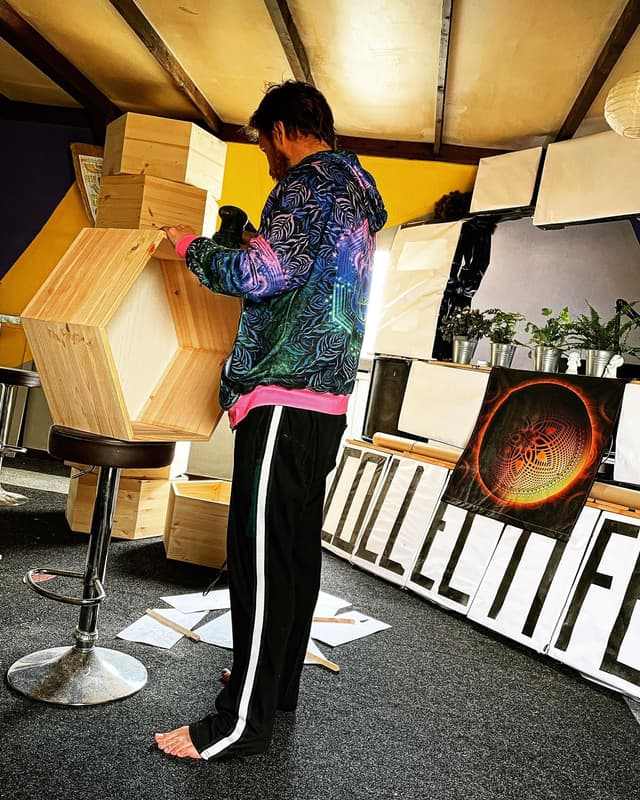
| Arduino Micro | Arduino Uno | Arduino Mega | |
|---|---|---|---|
| Price | € 19,00 | € 20,50 | € 35,00 |
| Dimension | 45 * 18 mm | 68.6 * 53.4 mm | 101.5 * 53.3 mm |
| Processor | ATMega328P | ATMega32U4 | ATMega2560 |
| Clock Speed | 16 MHz | 16 MHz | 16 MHz |
| Flash Memory | 32 kB | 32 kB | 256 kB |
| EEPROM | 1 kB | 1 kB | 4 kB |
| SRAM | 2.5 kB | 2 kB | 8 kB |
| Voltage Level | 5V | 5V | 5V |
| Digital I/O Pins | 20 | 14 | 54 |
| Digital I/O with PWM Pins | 7 | 6 | 15 |
| Analog Pins | 12 | 6 | 12 |
| USB Connectivity | Micro USB | USB-A | USB-A |
| Shield Compatibility | No | Yes | Yes |
Smartphone
Using RemoteXY you can create an app for your smartphone. However, I don't think I will be using this as it requires too much steps to open the app and control my lights. Watch this Youtube video for further instructions on that. I put a WiFi receiver in the shopping list regardless.
Ableton
For Ableton Live there is a Max4Live plugin to control the Arduino, I am not sure how to set that up yet and some additional hardware might be needed. So this part will remain on the wish list until further notice.
Shopping list
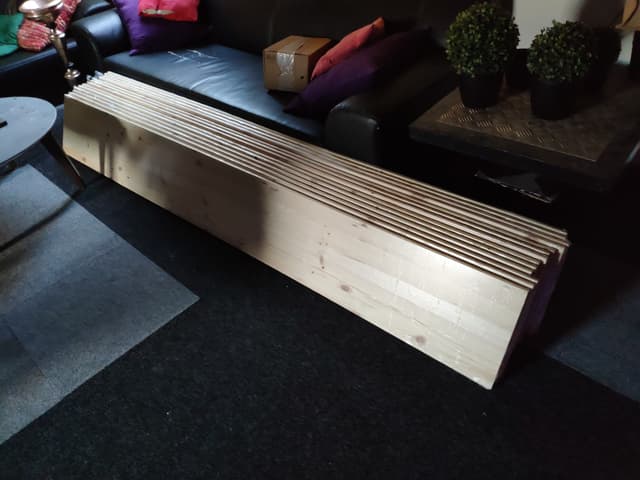
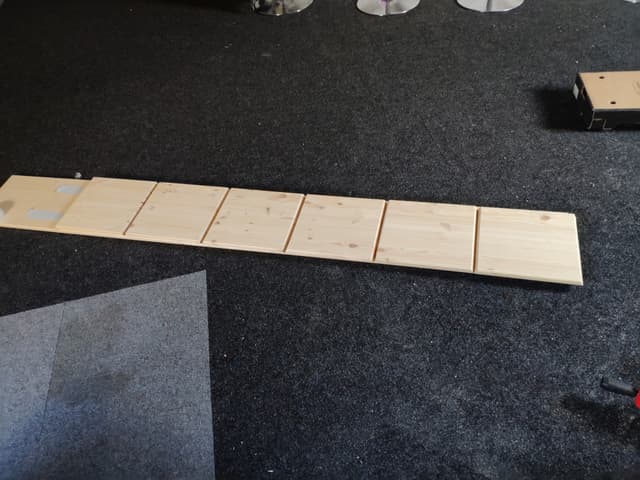
- 13xSolid wood glued panel pine 2350x300x18mm 21 320x320x18mm sections per slab € 24,75
- 1xWood glue € 9,39
- 1xWood finish € 31,29
- 1xArduino Mega 2560 R3 € 35,00
- 2x DuPont Jumper wire Male-Female 20cm 10 wires € 0,75
- 1x1000uF 25V Elektrolytic Capacitor € 0,25
- 6xWS2812B Digital 5050 RGB LED Strip - 300 LEDs 5m € 50,00
- 1xHeat shrink tubing 2:1 - Ø 14mm diameter - 50cm € 1,15
- 1x470Ω resistor € 0,05
- 2xMean Well Power Supply - 5V 26A - Switching Power Supply - RS-150-5 € 30,00
- 2xStandard 230V Power supply cable - 1.8m - Angled plug € 4,00
- 1xHeat shrink tubing Kit - Black € 4,00
- 1xBudget Soldering Station Kit - ZD-99 - 48W € 25,00
- 1xRotary Encoder Module € 1,50
- 1xIR sensor module with remote and battery - With IR LED € 3,00
- 16xObject Detection Sensor Module € 2,00
- 1xBreadboard 170 points - Black € 1,50
- 20xJST-SM 3p Compatible Extension Cable - 100cm € 2,50
- 1xESP8266 WiFi Module ESP-01 1MB € 5,00
- 1xSegment Display - 1 Character - Red
- 1xLCD Display 16 * 2 characters with white text and blue backlight
- LCD Displays
- Proximity sensor
Totals: € 891,38
Other Arduino projects
TODO
- Build the cabinet, cut up the LED strip in 16 pieces holding 108 LEDs each.
- Connect all to the Arduino and the power supply - determine how many power supplies are needed.
- Include programming for the IR-sensor and the remote
- Include programming for the object detection
- Tutorial for LCD usage